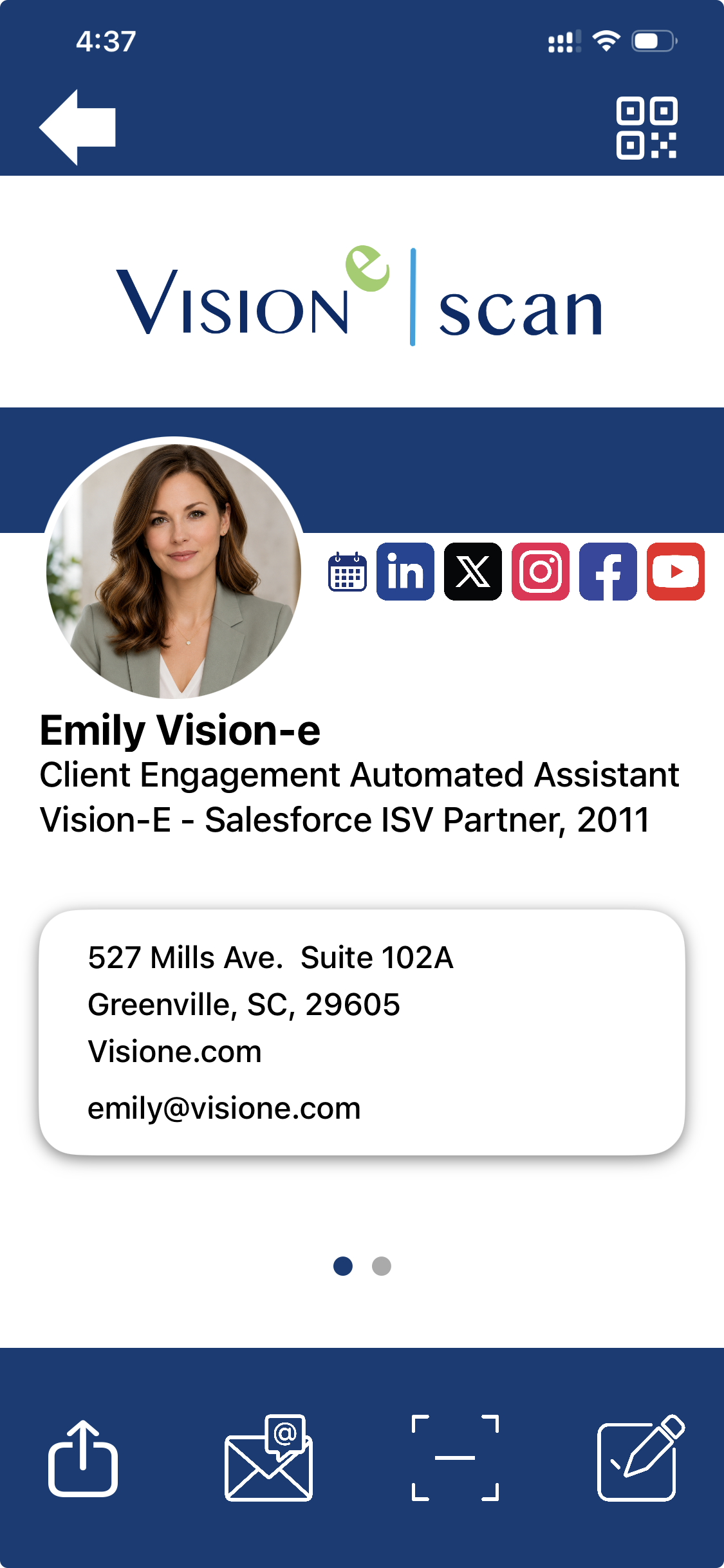
The Digital Business Card
The Digital Business Card
The Digital Business Card can be found in the bottom-left corner of the Scan app home screen.
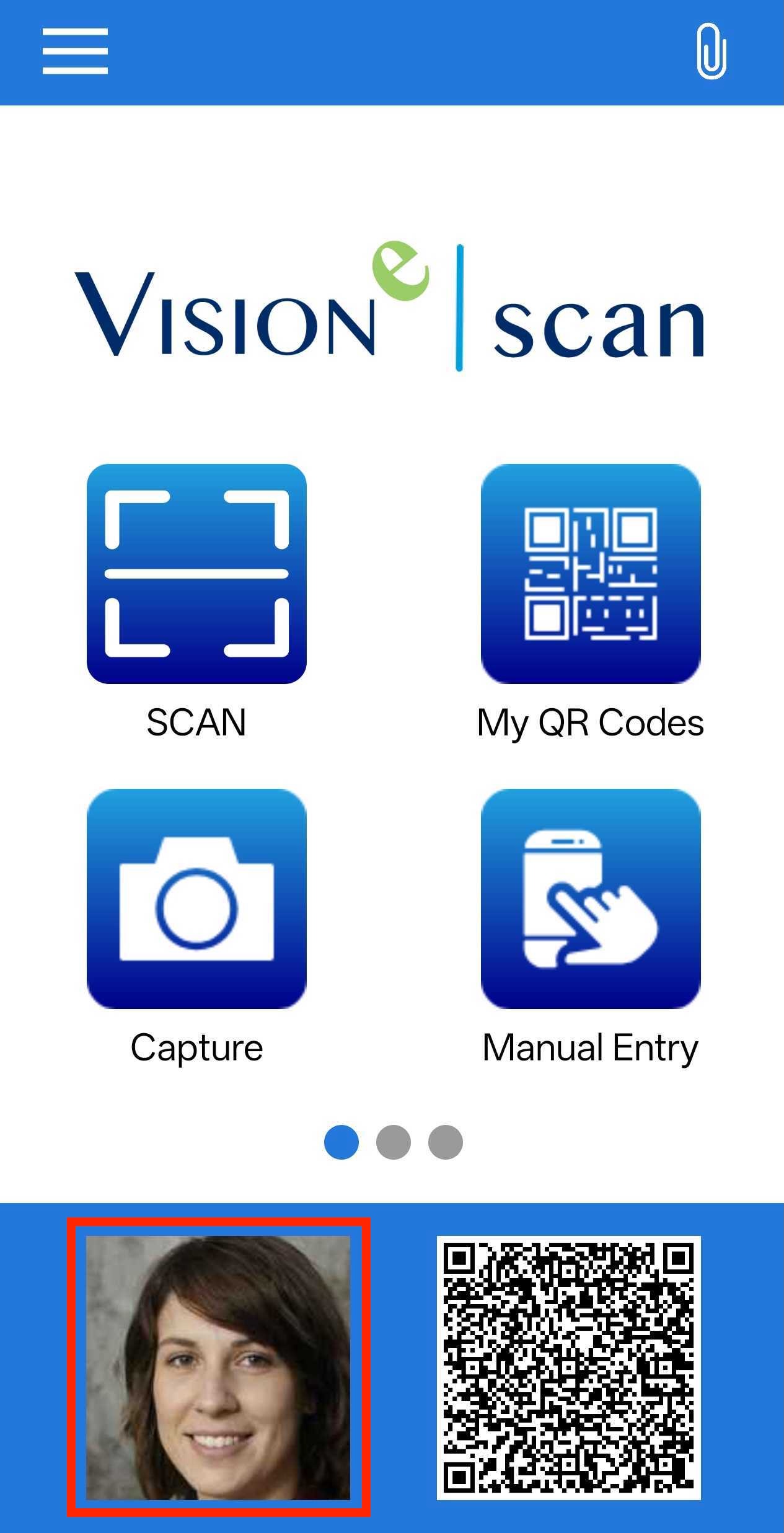
If you’re logged into Salesforce and have a profile picture set on your Salesforce profile, that picture will automatically be used for your Digital Business Card and displayed on the home screen.
If you’re not logged into Salesforce, a blank square will appear the first time you use the app.
After opening the Digital Business Card, you’ll see your photo and contact information displayed on the card. If you’re logged into Salesforce, the card will automatically use your Salesforce profile picture and contact details. The Digital Business Card will also reflect the branding configured by your Salesforce organization within the app.
You can also customize the Digital Business Card directly in the Scan app by updating your contact information, changing your photo, adding social media links, and editing the information shown in the About section.